
User manual for sonible's true:balance spectral analyzer plug-in, covering installation, authorization, interface, and usage for comparing audio mixes to…
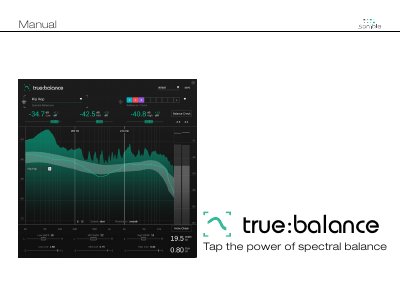
This manual guides users through installing and using the true:balance spectral analyzer plug-in by sonible. It explains how to authorize the plug-in via license key or iLok, navigate its user interface, and compare audio mixes against spectral references. The plug-in helps identify issues with mono compatibility and low-end clarity. It also includes features like presets for saving configurations and settings for customizing the display and behavior.
The manual covers system requirements, installation steps for Mac and Windows, licensing options, and detailed explanations of key readouts, spectrum display, and reference targets. It also describes the mono check feature and how to manage presets for consistent comparisons across multiple tracks.
| CPU | Intel Core i5, Apple M1 |
|---|
Open the disk image sonible_truebalance_osx_x.x.x.dmg, then run the installer file truebalance.pkg.
You can choose machine-based licensing or iLok (USB dongle) licensing. Machine-based licenses allow installation on two computers with unique system IDs, while iLok licenses require transferring activation via the sonible Dashboard.
Use the Reference Dropdown to select a genre, or load custom reference tracks. The Spectrum Display and Key Readouts show real-time spectral comparison and deviations from the reference.
It analyzes the width and correlation of your signal to identify potential mono compatibility issues, displaying a filter shape to indicate spectral problems.