
The sonible smart:EQ+ user manual explains how to install, authorize, update, and operate the intelligent 8-band linear-phase audio equalizer plug-in.
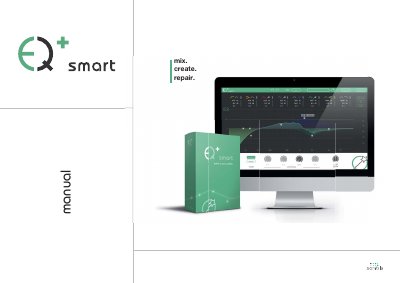
The sonible smart:EQ+ is an intelligent audio equalizer plug-in that analyzes audio material, identifies spectral imbalances, and proposes fully automatic solutions within seconds. It features a linear-phase 8-band EQ with learning capability and is intended for mastering professionals and audio newcomers in postproduction.
This manual covers installation on Windows and macOS, licensing and activation, trial mode, updates, and the user interface. It describes the menu bar, parameter section, interactive equalizer section, and master section, including filter types, solo mode, and preset handling.
| Processor | Intel Core Duo i5 |
|---|---|
| Memory | 2GB |
| Operating systems | Windows 7 (32/64 bit), Windows 8 (32/64 bit), Mac OSX 10.7 and newer |
| Equalizer type | Linear-phase 8-band EQ |
| Master gain range | -20 dB to +20 dB |
Each license key allows installation on two computers with unique system IDs.
The reset button resets all parameters of the plug-in to their default values.
A triangle in the bottom right corner enables you to resize the plug-in.