
smart:comp 2 spectro-dynamic compressor
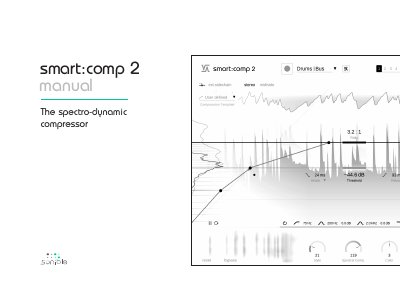
The Sonible smart:comp 2 is an AI-powered audio compressor designed for single tracks, busses, and entire mixes. It features unique learning capabilities that automatically compute parameters for well-balanced compression based on selected profiles. The plugin includes advanced sound-shaping tools such as the Free-form Transfer Function, Attack and Release Shaper, and revolutionary spectral processing to ensure dynamic balance and transparency.
| Operating Systems | Windows 10+ (64 bit), Mac OS 10.12+ |
|---|---|
| Spectral Bands | more than 2000 bands |
Enter your license key when the notification window appears and click 'register' while connected to the internet.
It is an AI-powered compressor for single tracks, busses, and entire mixes to find well-balanced dynamics.
It uses up to 2000 bands to analyze and compress the signal.
It is installed in C:\Program Files\Common Files\VST3\.