
User manual for the SoftBank 601HW WiFi router, covering power on/off, connection setup for smartphones and Windows 10, battery management, and troubleshooting.
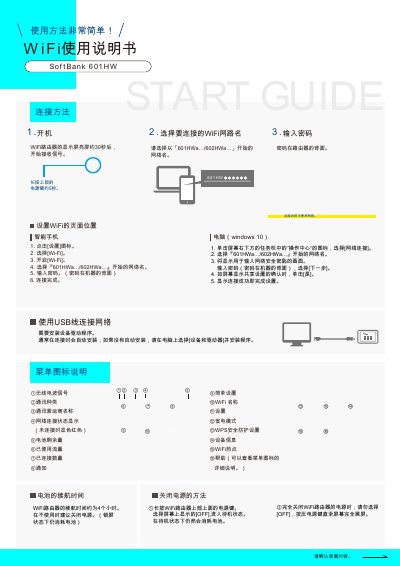
This manual provides instructions for operating the SoftBank 601HW WiFi router. It covers basic functions such as turning the device on and off, connecting to the network via smartphones or Windows 10 computers, and understanding the display indicators for signal strength, battery level, and data usage. The device features a built-in battery with an approximate runtime of 4 hours. This manual is written in Japanese.
| Battery Runtime | Approximately 4 hours |
|---|
The password is located on the back of the device.
Remove the battery cover, press the red button next to 'Reset' for more than 5 seconds, and then reinstall the battery.
It indicates that no normal connection has been established.