
The SoftBank 809SH WiFi router user manual provides setup steps, connection instructions, troubleshooting, and reset procedures.
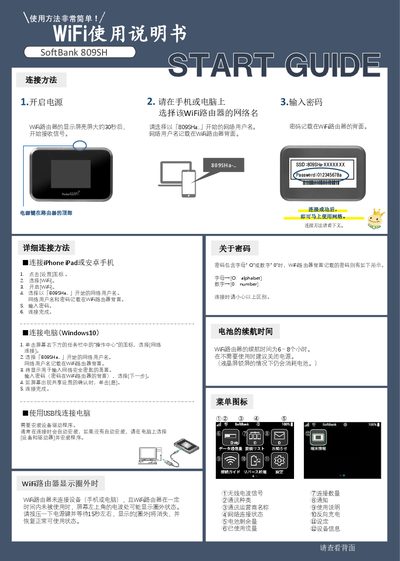
This manual explains how to connect smartphones, tablets, and computers to the SoftBank 809SH WiFi router. It details selecting the SSID that starts with "809SHa…", entering the password printed on the router’s back, and confirming the connection on various devices.
Additional sections cover battery life, display behavior, troubleshooting common issues such as no network connection or weak signal, and how to perform a factory reset or access the router’s Web UI for advanced settings. This manual is written in Chinese.
| Battery life | 6–8 hours |
|---|---|
| Display on‑time before signal reception | ≈30 seconds |
| Power button location | Top of the router |
| SSID format | 809SHa‑XXXXXXX |
| Password location | Printed on the router back |
The router can operate for about 6 to 8 hours on a full charge.
A circle‑out indicates a weak or no signal; move the router to a location with better reception.