
The Simrad IS40 Operator Manual provides instructions for operating the IS40 display and OP10 autopilot controller, including setup, navigation pages, and…
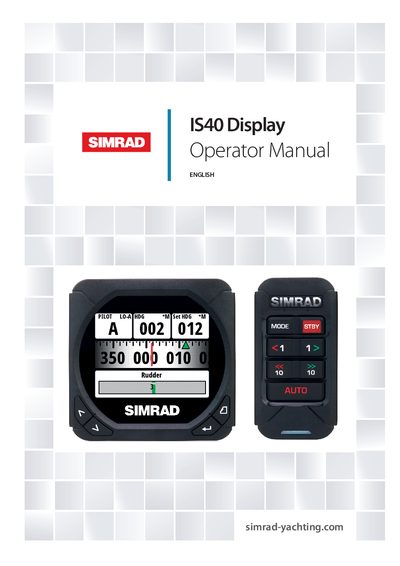
This manual is a reference guide for operating the Simrad IS40 display together with the OP10 autopilot controller. It assumes the equipment is installed and ready, and it covers basic operation, page configuration, system setup, diagnostics, and autopilot functions.
The document includes detailed specifications, dimensional drawings, menu flow charts, and maintenance procedures. It also explains how to update the software via the Simrad website or a compatible multifunction display.
| Display Weight | 0.28 kg (0.6 lbs) |
|---|---|
| Display Power Consumption | 155 mA at 13.5 V |
| Display Size | 4.1" (Diagonal) |
| Resolution | 320 x 240 pixels |
| Aspect Ratio | 4:3 |
| Environmental Protection (Display) | IPX7 |
| Operating Temperature (Display) | 0 to +55 ºC (+32 to +130 ºF) |
| Storage Temperature (Display) | -30 to +70 ºC (-22 to +158 ºF) |
| OP10 Autopilot Weight | 0.14 kg (0.3 lbs) |
| OP10 Power Consumption | 145 mA at 13.5 V / 45 mA at 13.5 V |
| OP10 Environmental Protection | IPX7 |
The IS40 display shows eight default data pages.
The display consumes 155 mA at 13.5 V.
Download the latest version from www.simrad-yachting.com and update via a compatible multifunction display or through a Simrad dealer.
The OP10 autopilot controller has an IPX7 rating.