
This manual introduces the installation methods of NSS evo2 series
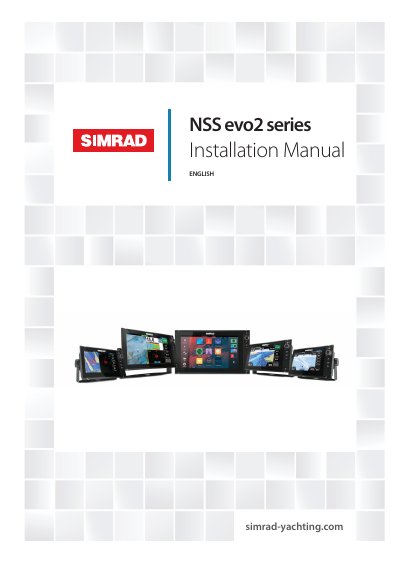
The Simrad NSS evo2 series consists of rugged multifunction displays with built-in processors, GPS antennas, and sonar capabilities. The series includes various display sizes (6.4", 9", 12", and 16") available in different configurations, such as charting-only 'M' versions or models with integrated echosounders and StructureScan.
This guide details the hardware installation process, including selecting optimal mounting locations to ensure proper viewing angles and GPS reception, preparing cutouts for flush or bracket mounting, and connecting power and data cables. It also covers software setup procedures for initial startup, system configuration, and connecting external devices like radars, autopilots, and video sources.
The available display sizes are 6.4 inches, 9 inches, 12 inches, and 16 inches.
All displays can operate on 12 V or 24 V systems.
The enclosure must not consistently exceed +55° C (+131° F) during normal daytime operation.