
This manual guides users through creating projects, configuring hardware, and operating the SIMATIC PCS 7 V8.1 process control system.
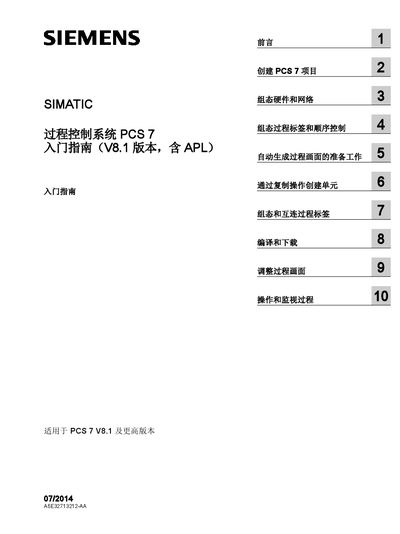
This document serves as an introductory guide for the SIMATIC PCS 7 V8.1 process control system, designed to help beginners quickly grasp basic knowledge and operations. It uses simple, easy-to-understand example projects to explain the principles of software components and their interactions in engineering and process environments.
The guide covers a complete workflow, starting from creating a new project and configuring hardware and networks, to setting up process tags and sequential control. It further details how to prepare for automatic generation of process displays, create units via copy operations, compile and download configurations, and finally operate and monitor the process. This manual is written in Chinese.
You must have PCS 7 V8.0 or higher and S7-PLCSIM V5.4 or higher installed.
The example project selects CPU AS 414-3IE and product package 6ES7654**D10-3BC* E-STAND:5.