
Installation and setup instructions for the Siemens RDY2000 commercial room thermostat, including wiring diagrams, electrical specifications, and installer…
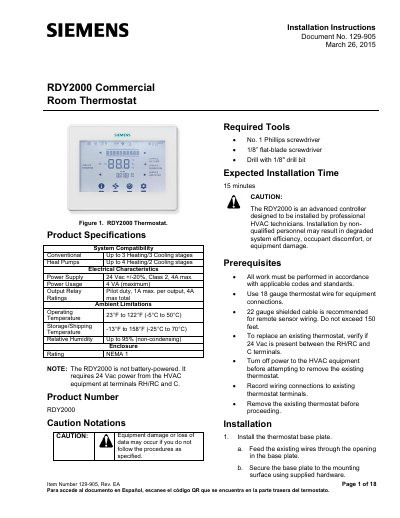
This document provides installation instructions for the Siemens RDY2000 commercial room thermostat. It lists product specifications, electrical characteristics, required tools, and step-by-step procedures for mounting the base plate and attaching the thermostat.
The guide also covers thermostat setup, including the set-up wizard, display navigation, temperature and time programming, and access to the password-protected installer menu.
| Power Supply | 24 Vac +/-20%, Class 2, 4A max. |
|---|---|
| Power Usage | 4 VA (maximum) |
| Output Relay Ratings | Pilot duty, 1A max. per output, 4A max total |
| Relative Humidity | Up to 95% (non-condensing) |
| Enclosure Rating | NEMA 1 |
| Expected Installation Time | 15 minutes |
No, the RDY2000 is not battery-powered.
The Installer Level default password is 00:00.
The expected installation time is 15 minutes.