
Operating and installation instructions for the Siemens RDH100 room thermostat, including temperature setting and battery replacement.
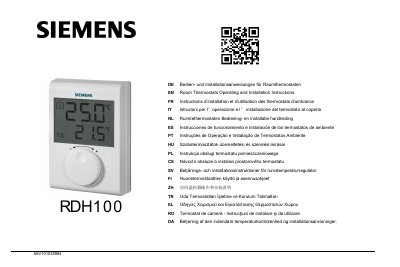
The Siemens RDH100 is a room thermostat designed to allow users to set a desired room temperature (setpoint) for a specific time. It features an ergonomic setting knob for easy temperature control and a display that shows the actual room temperature in degrees Celsius.
| Battery Type | 2 alkaline batteries type AA, 1.5 V |
|---|---|
| Temperature Adjustment Increment | 0.5 °C |
Within 1 minute, pull out the battery compartment, remove the old batteries, insert two new 1.5 V AA alkaline batteries, and replace the compartment.
Turn the setting knob counter-clockwise to decrease the setpoint or clockwise to increase it in 0.5 °C increments.