
Siemens FCA-INT-MODBUS Gateway Module User Manual: installation, LED indicators, IP settings, and MODBUS-TCP/IP and MODBUS-RTU communication.
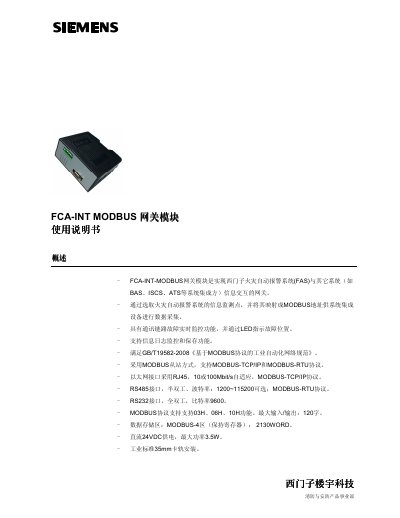
The FCA-INT-MODBUS gateway module enables information exchange between Siemens fire alarm systems (FAS) and other systems such as BAS, ISCS, and ATS. It maps fire alarm monitoring points to MODBUS addresses and supports MODBUS-TCP/IP and MODBUS-RTU protocols.
The module is powered by 24VDC and mounts on a standard 35mm DIN rail. It provides RJ45 Ethernet, RS485, and RS232 interfaces, with LED status indicators for power, Ethernet link and activity, and RS232/RS485 transmit and receive. The default IP address is 192.168.1.15. This manual is written in Chinese.
| Operating voltage | 24VDC |
|---|---|
| Maximum current | 145mA |
| Operating temperature | -10 ~ +50 ℃ |
| Relative humidity | ≤95% (40 ±2℃) |
| Dimensions | 120mm ×55mm ×96.2mm |
| Protection class | IP 30 |
| Maximum power consumption | 3.5W |
The default IP address is 192.168.1.15, with gateway 192.168.1.1 and subnet mask 255.255.255.0.
It is installed on an industrial standard 35mm DIN rail.
The module supports MODBUS function codes 03H, 06H, and 10H.
The port number remains 502 for MODBUS-TCP.