
Quick start instructions for the SENSIT GOLD G2 gas detection instrument, covering battery installation, startup, gas detection, alarms, and shutdown.
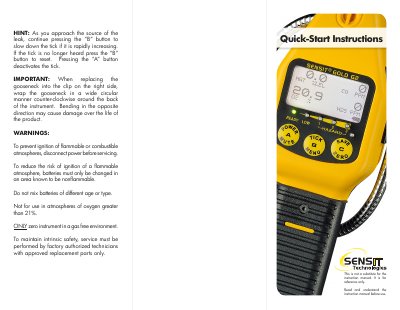
This quick start guide covers the SENSIT GOLD G2 gas detection instrument. It explains how to install batteries, power on the unit, and complete the warm-up sequence before detecting gases such as O2, LEL, H2S (or HCN), and CO.
The guide also lists standard alarm levels, describes the flow-blocked check and tick-rate leak location, and covers auto-zeroing and power-off steps. Warnings cover battery changes, oxygen limits, and intrinsic safety service requirements.
| Gases detected | O2, LEL, H2S (or HCN), CO |
|---|---|
| Warm-up time | 40 to 180 seconds |
| Low alarm | 5% LEL |
| Oxygen alarm | Below 19.5%, Above 23.5% |
| CO alarm | 35 PPM |
Up to four gases are shown: O2, LEL, H2S (or HCN), and CO.
It requires from 40 up to 180 seconds in clean air.
Push button A and hold for 5 seconds until POWER OFF is displayed.