
The SENSIT SMART-CAL 360 Calibration Station calibrates SENSIT instruments with a 7-inch touchscreen, wireless communications, and gas bottle supply monitoring.
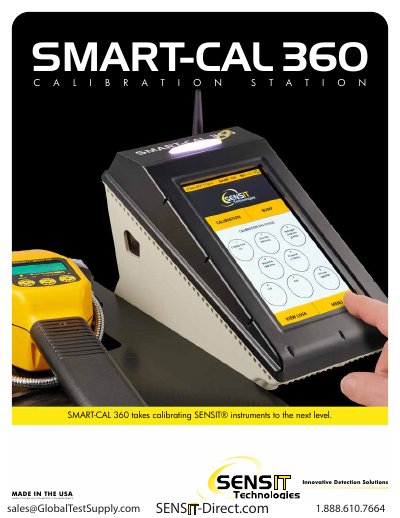
The SENSIT SMART-CAL 360 Calibration Station is made in the USA with globally sourced components and takes calibrating SENSIT instruments to the next level. It includes a 7-inch touchscreen, IR/NFC/Bluetooth communications, automatic upload of records, calibration/bump memory storage, and gas bottle supply monitoring.
The station works with compatible SENSIT instruments such as SENSIT CO, SENSIT GOLD, SENSIT HCN, and TRAK-IT IIIa. Data management software SCAL-D 360 and SCAL-N 360 is sold separately and provides reports, alerts, and automatic data transfer for compliance notifications.
| Dimensions | L= 10.6” x W= 5.4” x H= 6.1” (27cm x 13.7cm x 15.5cm) |
|---|---|
| Weight | 4.1lbs (1.86kg) |
| Operating Temperature | 32°F to 122°F (0°C to 50°C) |
| Max Inlet Pressure | 30psi (2 bar) |
| Power | Transformer Input 110 to 240 VAC/Output 15VDC |
| Touchscreen | 7 inch |
Supported test gases include PPM Methane, LEL Methane, LEL Propane, % Volume Methane, Carbon Monoxide, Hydrogen Cyanide, Hydrogen Sulfide, Nitrogen, and Ethane.
No, SCAL-D 360 and SCAL-N 360 data management software is sold separately.
The maximum inlet pressure is 30psi (2 bar).