
Quick start guide for the Seagate One Touch SSD and Expansion SSD (Pearl), covering Mac formatting, USB connections, safe removal, and warranty support.
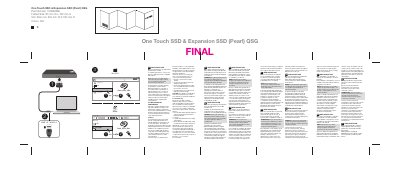
This quick start guide covers the Seagate One Touch SSD and Expansion SSD (Pearl). It explains the HFS+ formatting required for use with Time Machine on Mac, recommends a USB 3.0 port for maximum performance, and notes USB 2.0 compatibility.
The guide also advises following the operating system's safe removal procedures when disconnecting the drive. Warranty details are available in the Seagate Limited Warranty Statement on the drive or at www.seagate.com/warranty, with warranty service handled through an authorized Seagate service center.
| Interface | USB 3.0 / USB 2.0 |
|---|---|
| File system for Time Machine | HFS+ for Mac |
| Document part number | 100854936 |
| Revision date | 5/31/2018 |
The SSD must be formatted in HFS+ for Mac to use Time Machine.
Connect the drive to a USB 3.0 port to maximize performance. The drive is also compatible with USB 2.0.
Always follow the safe removal procedures of your operating system when disconnecting the product.
Open the Seagate Limited Warranty Statement on the drive or visit www.seagate.com/warranty, and contact an authorized Seagate service center for warranty service.