
User guide for the Seagate BlackArmor NAS 220 network storage server, covering setup, user accounts, shares, backups, and troubleshooting.
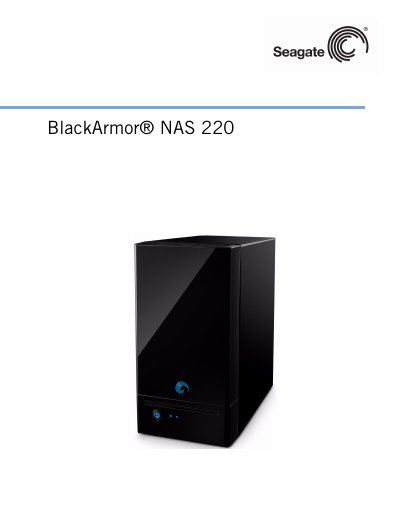
This user guide explains how to set up, use, and maintain the Seagate BlackArmor NAS 220, a file server that stores and shares computer files on a local network. The server contains two Serial ATA (SATA) disk drives with built-in data protection and supports up to 20 users. It is intended for small business owners and home office users who need to store, protect, and share files such as client records and financial information over a local network or the Internet.
The guide covers the kit contents and system requirements, setup steps for administrators and users, managing volumes, shares, and user accounts, network backups, media server settings, monitoring with LEDs and email alerts, and troubleshooting. It also lists technical specifications such as the 10/100/1000 Ethernet connection, two USB 2.0 ports, and 36W external power supply, and describes the included BlackArmor Discovery, BlackArmor Manager, and BlackArmor Backup software.
| Network Connection | 1 10/100/1000 Ethernet RJ-45 network connector |
|---|---|
| USB Ports | 2 USB 2.0 ports |
| Disk Drives | 2 SATA II disk drives |
| Power Supply | 36W external power supply (12V DC output) |
| Power Rating | 100–240VAC, 50–60 Hz |
| Physical Dimensions | 200 mm (H) × 118 mm (W) × 189 mm (D) |
| Operating Environment | 5 °C to 35 °C, 20% to 80% humidity (noncondensing) |
| Users | Up to 20 users |
Computers running Windows XP or Windows Vista with the latest Service Pack, or Mac OS X 10.4.11 or later, can access the server. An Ethernet card and a supported web browser are also required.
The BlackArmor server supports up to 20 users.
The kit includes the BlackArmor server, power adapter, Ethernet cable, an installation CD with software and documentation, and the printed Quick Start Guide.
The two USB ports let you back up data directly to or from a portable USB drive, connect a USB printer shared on the local network, or connect an Uninterruptable Power Supply (UPS).