
Installation guide for SAS Compliance Solutions 7.1 Hot Fix A5T005, covering component updates, prerequisites, steps, and post-installation configuration.
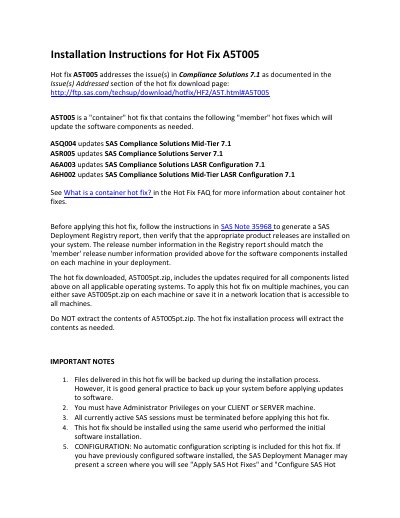
This document provides step-by-step instructions for installing Hot Fix A5T005 for SAS Compliance Solutions 7.1. It details the components updated, prerequisites like Administrator privileges and terminated SAS sessions, and installation via SAS Deployment Manager. Post-installation, it covers configuration steps, database changes, and business unit-specific updates including backup procedures and Ant script replacements.
Important notes include backing up systems and data, avoiding automatic configuration, and handling database table alterations that may result in data loss.
| Hot Fix ID | A5T005 |
|---|---|
| Component Updates | A5Q004, A5R005, A6A003, A6H002 |
You must have Administrator Privileges, all active SAS sessions must be terminated, and you must use the same userid who performed the initial software installation.
Yes, it is good general practice to back up your system before applying updates, even though files are backed up during installation.
Failure to deselect this option may cause unintended consequences during hot fix application.