
SAS 9.2 Apache HTTP Server Configuration Guide

Configure Apache HTTP Server as a reverse proxy for SAS 9.2 Web Applications on BEA WebLogic Server 9.2.
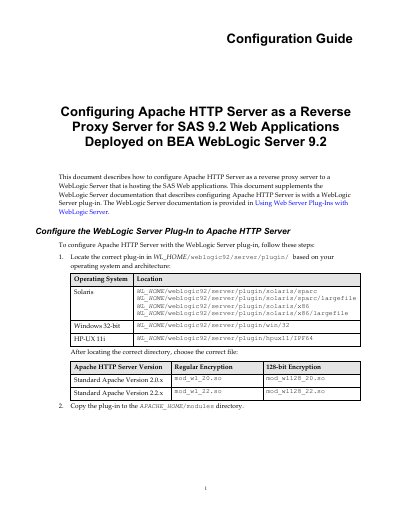

SAS 9.2 Apache HTTP Server Configuration Guide - cover page
Brand
SAS
Category
Healthcare software
Document type
User Manual
Language
English
Pages
7
File format
PDF
File size
1.1 MB
Published
02 November, 2026
Updated
02 November, 2026
MD5 checksum
1A2CDC517BC2875AA554D3E90F32EF4F

About this manual

This guide explains how to configure Apache HTTP Server as a reverse proxy for SAS 9.2 Web Applications hosted on BEA WebLogic Server 9.2. It covers installing the WebLogic plug-in, configuring Apache to serve SAS applications, and updating connection settings in SAS Management Console. The guide also includes steps to serve static content via Apache and adjust WebDAV URLs for specific applications like SAS Web Report Studio 4.2.

What's inside

  • Configuring Apache HTTP Server as a Reverse Proxy
  • Installing the WebLogic Server Plug-in
  • Serving SAS Themes Static Content
  • Reconfiguring Connections for SAS Web Applications
  • Changing SAS Content Server Connection
  • Updating WebDAV Repository URL
  • SAS Web Report Studio 4.2 Specific Update
  • Starting Software Applications and Verifying Configuration

Frequently asked questions

How do I configure Apache HTTP Server as a reverse proxy for SAS 9.2 Web Applications?

Follow the steps to locate and copy the WebLogic plug-in, edit httpd.conf to load the module, and configure Location directives for SAS applications.

What applications need to have their connection information updated?

Applications such as BI Dashboard 4.2, BI Web Services for Java 9.2, Logon Manager 9.2, and Web Report Studio 4.2 must be reconfigured to use the HTTP server host and port.

How do I disable the redirection filter for SAS Web Report Studio 4.2?

In SAS Management Console, right-click Web Report Studio 4.2, click Advanced, Add, enter Property Name as App.RedirectionFilterDisabled and Value as true, then restart the application.

Download PDF (1.1 MB)

More SAS Manuals


View all SAS manuals →