
User manual for the Safescan 2210/2250 banknote counters, covering package contents, product parts, setup, safety precautions and warranty registration.
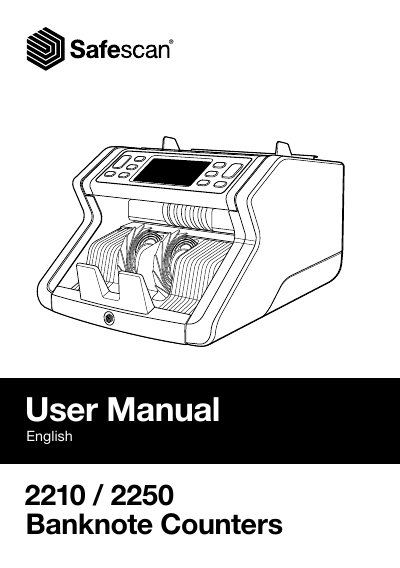
This user manual covers the Safescan 2210/2250 banknote counters. It introduces the device, lists the package contents and identifies the front and back parts, including the hopper, front panel, stacker, power connector, On/Off switch and RJ12 port for an external display.
The document also includes safety precautions in multiple languages, notes on available cleaning cards, getting-started information and product registration and warranty details for the Safescan 2210.
| Model | 2210 / 2250 |
|---|---|
| External display connection | RJ12 port |
The retail box contains the Safescan banknote counter, a power cord, a maintenance kit and the user manual.
Safescan recommends carefully reading the operating instructions before using the device.
It is used for an external display connection.
The Safescan 2210 comes with an extensive three year warranty.