
This user manual provides operating instructions, safety guidelines, and technical specifications for the Safescan 2850-S bill counter.
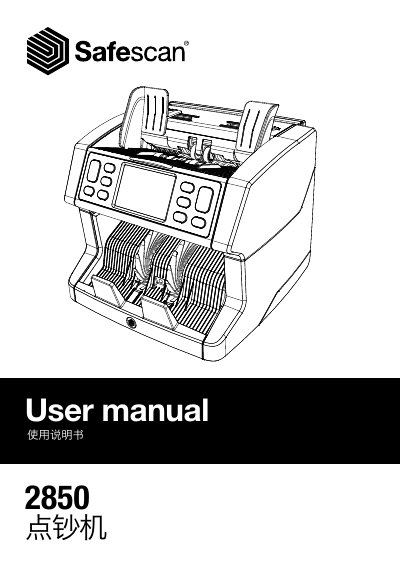
The Safescan 2850-S is a bill counting machine designed to count banknotes using UV, magnetic ink, metal wire, and thickness detection. The device features an LCD touch display and various buttons for setting modes such as Sort, Cal, and Count, with speeds up to 1500 notes per minute.
The manual covers initial setup, including language selection and automatic self-checks upon startup. It details the functions of control panel buttons like START/OK, CLEAR, and MENU, as well as procedures for handling suspicious notes and performing software updates via USB. This manual is written in Chinese.
| Counting Speed | 800, 1000 and 1500 notes per minute |
|---|---|
| Detection Modes | UV, Magnetic Ink, Metal Wire and Thickness |
| Bill Size Range | 50 x 110 mm ~ 90 x 180 mm |
| Feed Tray Capacity | 500 notes |
| Output Tray Capacity | 220 notes |
| Power Supply | AC 220-240V / 50-60Hz |
| Power Consumption | Max 60W |
| Dimensions (WxHxD) | 259 x 254 x 255 mm |
| Weight | 6.4 kg |
The default settings include Detection Mode: UV|MG, Counting Mode: Sort, Auto Count: ON, Accumulation Mode: Off, and Counting Speed: 1200.
Remove the top note from the output tray and press [Start/OK] to continue counting.