
Key facts
- Manuals
- 1
- Languages
- ZH
- Last added
- 2026-10-14
Featured Safescan manuals
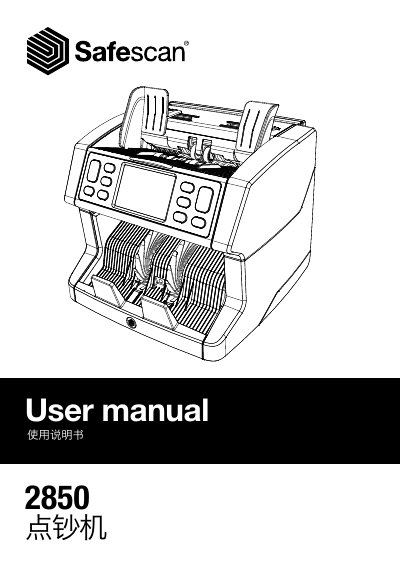
Safescan 2850-S Bill Counter User Manual
The Safescan 2850-S is a bill counting machine designed to count banknotes using UV, magnetic ink, metal wire, and thickness detection. The device features an LCD touch display and various buttons for setting modes such as Sort, Cal, and Count, with speeds up to 1500 notes per minute.
The manual covers initial setup, including language selection and automatic self-checks upon startup. It details the functions of control panel buttons like START/OK, CLEAR, and MENU, as well as procedures for handling suspicious notes and performing software updates via USB. This manual is written in Chinese.
Covers: Safety Precautions · Product Overview · Button Functions · Initial Setup · Counting Modes · Handling Suspicious Notes
Latest Safescan manuals
Safescan 2850-S Bill Counter User Manual
User Manual 34 pages · 4 MB · ZHThis user manual provides operating instructions, safety guidelines, and technical specifications for the Safescan 2850-S bill counter.
Which document do I need?
User Manual
Day-to-day operation, settings and troubleshooting. Start here if the product is already set up.
Questions answered in Safescan manuals
What are the default settings when the device starts?
The default settings include Detection Mode: UV|MG, Counting Mode: Sort, Auto Count: ON, Accumulation Mode: Off, and Counting Speed: 1200.
What should I do if a suspicious note is detected?
Remove the top note from the output tray and press [Start/OK] to continue counting.