
Rotronic CO2-DISPLAY wall-mount and desktop logger displays and records humidity, temperature, and CO2 with setup, USB download, and calibration instructions.
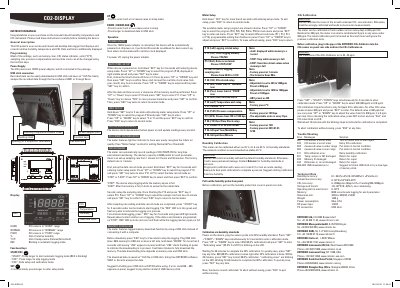
The Rotronic CO2-DISPLAY is a wall-mount and desktop data logger that displays and records relative humidity, temperature, and CO2, along with date and time. It is powered by an included 12 VDC adapter and uses function keys for setup, unit selection, sampling rate, pressure compensation, and real-time clock settings.
The instruction manual covers humidity calibration with 35 % rH and 80 % rH standards, CO2 calibration using fresh outdoor air or a ROTRONIC CO2-Calibrator, automatic logging with 6000 records per parameter, and downloading recorded data to a USB stick as an *.XLS file. It also lists technical data and troubleshooting error messages.
| Humidity range and accuracy | 0.1~99.9% / ±3% (10~95% @25 °C); ±5% (others) |
|---|---|
| Temperature range and accuracy | 0...50 °C / ±0.3 °C @ 5~40 °C |
| CO2 range and accuracy | 0...9999 ppm / ±(30 ppm + 5% of reading) @ 0~5000 ppm |
| Storage and transit conditions | -20...60 °C / 10...90 %rh, non-condensing |
| Memory capacity | 6000 records auto logging for each parameter |
| Dimensions | 330 (L) x 250 (W) x 50 (H) mm |
| Power consumption | Max. 0.7 A |
| PC connection | USB stick |
It uses a 12 VDC power adapter that is included in the package.
The meter can be calibrated with 35 % rH and 80 % rH humidity standards.
Recorded data can be downloaded to a USB stick and saved as an *.XLS file.
It indicates that the CO2 sensor is out of order.