
The document is about the HP3x series handheld instrument short instruction manual, which introduces the function, operation method, use precautions and other information of the instrument
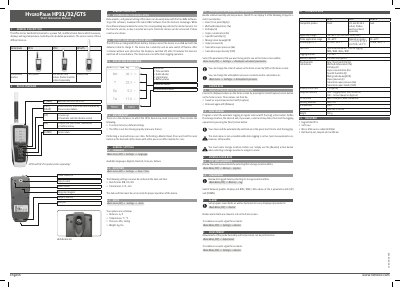
The document provides a short instruction guide for the HygroPalm HP3x series, which includes models HP31, HP32, and HP-GTS. These multifunctional handheld devices measure, display, and log temperature and relative humidity using compatible probes like HC2 and HC2A-S.
| Application range | -10…60°C | 0…100%RH (non-cond.) |
|---|---|
| Accuracy @ 23 °C | ±2 %rH / ±0.3 °C |
| Memory capacity | 8 x 8000 data points |
| Logging interval | 1 s…24 h |
| Integrated Battery life (screen off) | 48h – Logging every 30s |
| Dimension | 160 x 63 x 30 mm |
The available languages include English, Deutsch, Français, and Italiano.
Press and hold the reset button on the backside of the device with a thin pen or an office clip for 3 seconds.
No, compatible probes such as HC2 and HC2A-S must be ordered separately.