
This manual provides hardware installation, interface descriptions, and LED status guide for the Robustel EG5120 industrial edge computing gateway.
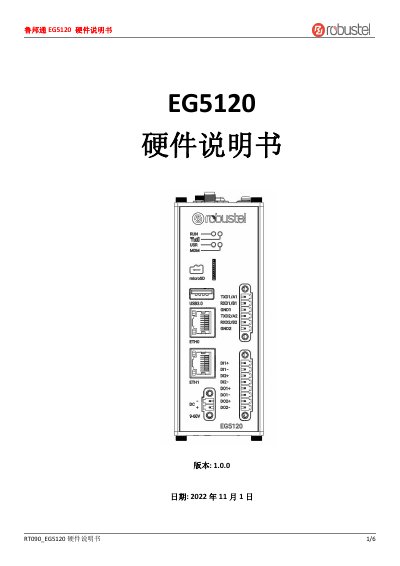
The Robustel EG5120 is a new-generation industrial edge computing gateway designed to provide high-bandwidth, low-latency, and high-reliability wireless network connections for IoT devices and sensors. It supports 2G, 3G, 4G, and 5G networks. The document serves as a hardware guide, covering the package contents, panel layout, interface descriptions, and installation instructions. This manual is written in Chinese.
| Serial Modes | RS232 or RS485 |
|---|---|
| Network Ports | 2 ports |
| Digital I/O | 2 groups |
| External Power Input | 5~30V |
| Max Current | 100mA |
Press and hold the Reset button for more than 3 seconds but less than 10 seconds until the running light flashes rapidly.
It indicates that the device is connected to the 4G network (for 4G modules) or 5G network (for 5G modules).
Screw the corresponding antenna onto the antenna terminal according to the panel signal instructions.