
Hardware installation and configuration guide for the Robustel R5020Lite 5G router, covering panel layout, SIM card installation, and web management login.
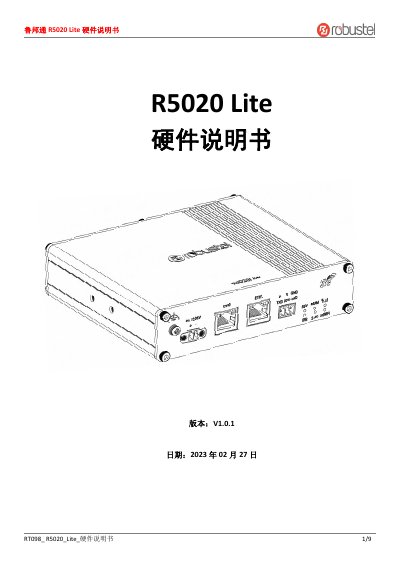
This document is the hardware manual for the Robustel R5020Lite, a next-generation 5G router supporting SA and NSA networks. It provides instructions on hardware installation, including SIM card insertion, antenna connection, and terminal wiring for IoT devices and sensors.
The guide details the device's panel layout, LED indicator status meanings, and power supply specifications. It also explains how to perform hardware resets, connect the device to a computer via Ethernet, and access the Web management interface for configuration. This manual is written in Chinese.
| Network Support | 5G SA/NSA, 4G, 3G |
|---|---|
| Input Voltage | 12 to 36VDC |
| Default IP Address | 192.168.0.1 |
| Reset Function | Hold 2-5 seconds |
Press and hold the RST button for 2 to 5 seconds to restart, or 5 to 10 seconds to restore default settings.
The default IP address is 192.168.0.1 with a subnet mask of 255.255.255.0.
Connect an Ethernet cable from the ETH0 or ETH1 port on the router to your computer.