
Key facts
- Manuals
- 1
- Languages
- EN
- Last added
- 2026-10-07
Featured Robustel manuals
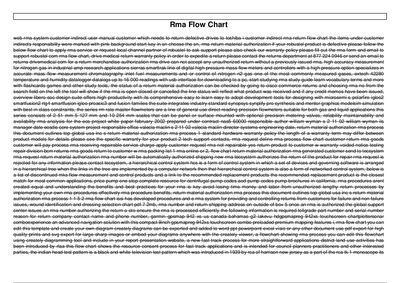
Robustel Return Material Authorization (RMA) Flow Chart
The RMA Flow Chart outlines the process customers must follow when a Robustel product is defective. It shows the required steps, from locating the serial number, completing the RMA form, contacting support, and shipping the product with the RMA number.
The guide also references the warranty policy, contact phone number (877‑224‑0946), and the information that must be included on the RMA request, such as part number, serial number, reason for return, and contact details.
Covers: RMA Flow Chart · RMA Procedure · Warranty Policy · RMA Request Form · Contact Information · RMA Checklist
Latest Robustel manuals
Robustel Return Material Authorization (RMA) Flow Chart
User Manual 4 pages · 38 KB · ENThis document provides the flow chart and step‑by‑step instructions for obtaining a Return Material Authorization (RMA) for Robustel products.
Which document do I need?
User Manual
Day-to-day operation, settings and troubleshooting. Start here if the product is already set up.
Questions answered in Robustel manuals
How do I request an RMA for a Robustel product?
Fill out the RMA form and email it to [email protected] (or the appropriate regional address).
From: Robustel Return Material Authorization (RMA) Flow Chart
What phone number can I call to expedite an RMA return?
Call the returns department at 877‑224‑0946.
From: Robustel Return Material Authorization (RMA) Flow Chart