
Hardware manual for the Robustel R3000LG industrial LoRaWAN gateway: package contents, interfaces, LED indicators, reset button, installation and web login.
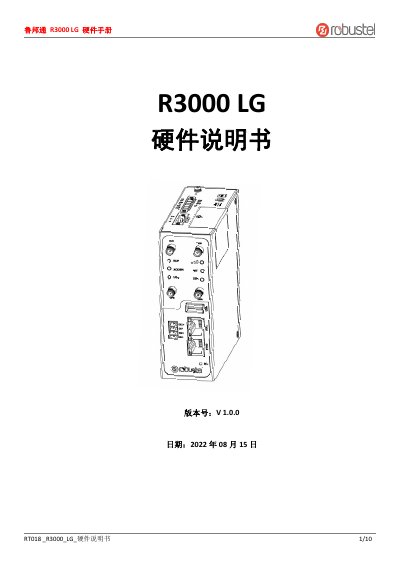
This hardware manual from Robustel describes the R3000LG industrial LoRaWAN gateway, a LoRaWAN-compatible gateway that connects LoRa terminals to a cloud platform over a WAN or cellular link and forwards data between them. It covers the product overview, package contents, panel layout and interface pin assignments for serial, DI and power connections.
The document explains the LED indicators, reset button behavior, USB port use, the two Ethernet ports (ETH0 and ETH1), and hardware installation steps including SIM card, antenna, terminal, grounding and power installation. It closes with the web management login procedure and regulatory and certification information. This manual is written in Chinese.
| Power supply voltage | 9 to 60 VDC |
|---|---|
| Ethernet ports | 2 (ETH0 and ETH1) |
| Default device IP address | 192.168.0.1 |
| Signal level indication | Green 21-31 (best), yellow 11-20 (average), red 1-10 (poor) |
| Ethernet speed LED | Steady on = 100Mbps mode, off = 10Mbps mode |
| Reset button | Press 3-10 seconds to restore factory settings and reboot |
Connect the device Ethernet port to a PC, set a static IP address on the PC in the same subnet, then enter http://192.168.0.1/ in the browser and log in with the user information on the device label.
The power supply voltage range is 9 to 60 VDC.
Press and hold the reset button for more than 3 seconds and less than 10 seconds; the system restores factory settings and reboots.
Pins 1 and 2 are DI1+ and DI1-, pins 3 and 4 are DI2+ and DI2-, all in the R3000LG-to-device direction.