
User's guide for the RICOH SC-10 Series Instructions Editor software, covering installation, basic, file, editing, insertion and view operations on Windows.
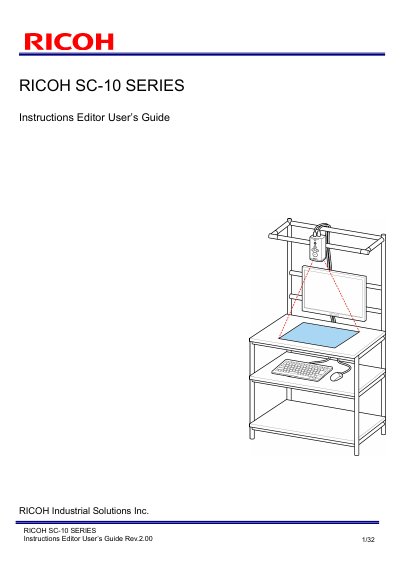
This guide is the user's manual for the RICOH SC-10 Series Instructions Editor, a tool for creating operating procedure images for the SC-10 series. It explains how to import operating procedure files in Microsoft Office or image file format and output the data in the optimal format for image display in the SC-10 series application.
The document covers the software license agreement, operating environment and requirements, installation steps, basic operations such as screen transition and layout, file operations, editing and insertion operations, view operations, troubleshooting, restrictions, licenses and trademark information. It is Rev. 2.00, published by RICOH Industrial Solutions Inc.
| Supported operating systems | Windows 7, 8, 8.1 and 10 (32-bit/64-bit) |
|---|---|
| Required runtime | Microsoft .NET Framework 4.5 or later |
| Required office software | Microsoft Office 2007, 2010, 2013, 2016 or 2019 (Word, PowerPoint, Excel) |
| Hard disk space | 1.0 GB of free space |
| Display | Screen resolution of 1024x768 |
| Supported import formats | .docx, .xlsx, .pptx, .bmp, .png, .jpg/.jpeg |
It imports Microsoft Office Word (.docx), Excel (.xlsx) and PowerPoint (.pptx) documents, plus Bitmap (.bmp), PNG (.png) and JPEG (.jpg/.jpeg) images.
The installation will fail if Microsoft Office is not installed; install it and then perform the installation again.
The Microsoft .NET Framework 4.5 Full Package installation screen is displayed first, and after installation completes the installation wizard is shown.
It is for creating operating procedure images for the SC-10 series, importing procedure files and outputting data in the optimal format for image display in the SC-10 series application.