
A user guide for the Rain Bird Stratus LT computerized irrigation system, covering Quick Start initialization, programming schedules, and regulatory…
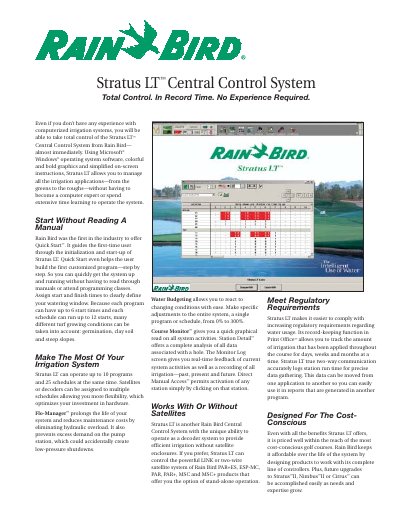
The Rain Bird Stratus LT Central Control System is a computerized irrigation solution designed for golf courses. It utilizes Microsoft Windows operating system software with a user-friendly interface to manage applications across greens, tees, fairways, and roughs without requiring extensive technical expertise. The system supports Quick Start™ initialization to guide first-time users through setup and program creation.
| Maximum Programs | 10 programs |
|---|---|
| Maximum Schedules per Program | 25 schedules |
| Start Times per Program | 6 start times |
| Start Times per Schedule | 12 starts |
| Operating System Support | Windows 98SE, 2000 or XP |
| Supported Languages | English, Spanish, French, German, Italian, Swedish, Portuguese, Japanese, Chinese and Korean |
| Flow Measurement Units | U.S. gallons per minute, cubic meters per hour or liters per second |
No, the system is designed so that even users without experience can take total control almost immediately.
Yes, Rain Bird offers Quick Start™ which guides first-time users through initialization and helps build customized programs step-by-step.
Yes, it can operate as a decoder system or control powerful LINK or two-wire satellite systems.
Yes, the language can be changed from English to Spanish, French, German, Italian, Swedish, Portuguese, Japanese, Chinese and Korean.