
This user manual covers the configuration, user management, web settings, and operation of the Rain Bird MI Series Mobile Controllers for irrigation systems.
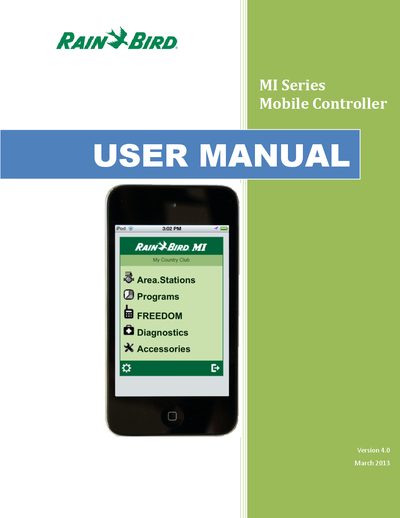
The Rain Bird MI Series Mobile Controllers are portable controllers designed for Rain Bird irrigation systems, utilizing a standard cell phone with Internet connectivity. The system architecture links an Internet server to a central control computer, allowing remote operation via a web browser on mobile devices. Up to 9 users can simultaneously perform operations such as activating sprinklers, observing real-time status, and editing control data.
The MI Series Web application is installed with port 80 and 50080 for HTTP traffic, with port 50080 selected as the primary port.
A Trial-Key allows your Rain Bird MI Series software to be fully functional for 30 days.
No, there is only one running central-control that will be actively linked to the MI Series at runtime.