
Step-by-step guide to deploy and commission QSC’s Microsoft Teams Room Certified Bundle for large rooms with directional loudspeakers.
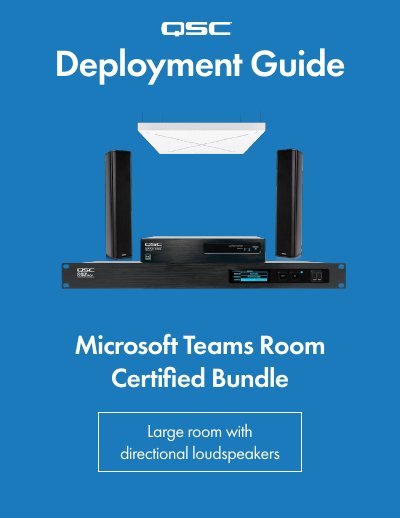
This guide walks you through connecting, setting up, and commissioning a Microsoft Teams Room system using QSC hardware. It covers configuring the Q-SYS Core processor, Sennheiser microphones, and loudspeakers using Q-SYS Designer and Sennheiser Control Cockpit software. The setup includes network configuration, microphone and speaker assignment, and final audio tuning via a companion app.
The bundle includes a Q-SYS Core 1 10f processor, SPA Series amplifiers, AcousticDesign™ loudspeakers, a Sennheiser TeamConnect Ceiling 2 microphone, and networking components. It is designed for large rooms (4.3m x 8.5m) with 14–18 seats and requires a Microsoft Teams Room compute device and configuration laptop.
The bundle includes a Q-SYS Core 1 10f processor, SPA2-200 power amplifier, AD-S802T loudspeakers, NS-1 108P network switch, Sennheiser TeamConnect Ceiling 2 microphone, ceiling brackets, Ethernet cables, and USB cables.
In the touch controller, go to Settings > Peripherals, select 'Echo Cancelling Speakerphone (Core 1 10f)' for both microphone and speaker, then press Save and Exit.
Use the mobile companion app to complete setup, and make a call to a colleague outside the room to tune the audio. Once complete, the Room Status will show all devices are working and in spec.