
QHYCCD QHY5III Series USB3.0 camera manual covering software installation, SharpCap operation, frame rate and white balance adjustment, cleaning, and…
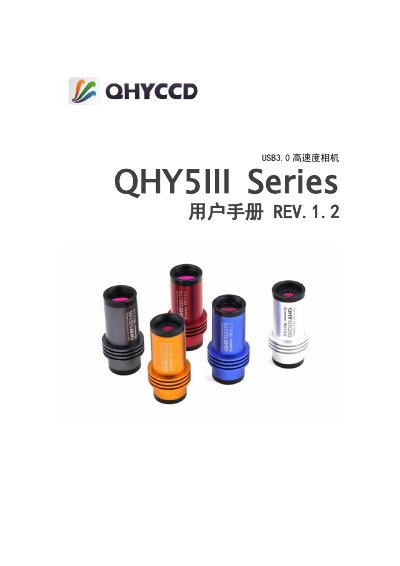
This manual covers the QHYCCD QHY5III Series USB3.0 high-speed camera. It explains software installation, including the ASCOM platform, system drivers, ASCOM Driver, and SharpCap, and how to connect the camera to a computer using a USB3.0 data cable.
It also describes using the camera in SharpCap, including frame rate adjustment, offset and white balance settings, 16-bit mode, and LX long-exposure mode. Additional topics include telescope and C/CS lens connection, cleaning the CMOS chip and glass window, FireCapture support, amplifier glow suppression, debayer sequences, DDR mode troubleshooting, mechanical dimensions, and document version history. This manual is written in Chinese.
| Interface | USB3.0 |
|---|---|
| Back focus | 10mm-12mm |
| Eyepiece size | 1.25 inch |
| Lens mount | CS mount |
The camera uses a 1.25-inch eyepiece design and fits into a 1.25-inch eyepiece without an extra interface. It also includes a CS mount front end, with a back focus of 11mm to 11.5mm.
Unscrew the camera front and clean the CMOS chip with lens paper or a DSLR cleaning kit. Clean the coated glass window carefully because it scratches easily.
Yes. The latest version of FireCapture supports QHY5III series cameras and can be downloaded from the FireCapture website.
This occurs when the CMOS output rate exceeds the computer's USB reception rate, causing DDR data overflow. Lower the frame rate by raising USB traffic and installing the latest SharpCap patch, or turn off DDR mode in SharpCap.