
The QHYCCD QHY183M user manual provides software installation, operation, white‑balance, guide‑port setup, specifications, and maintenance instructions for…
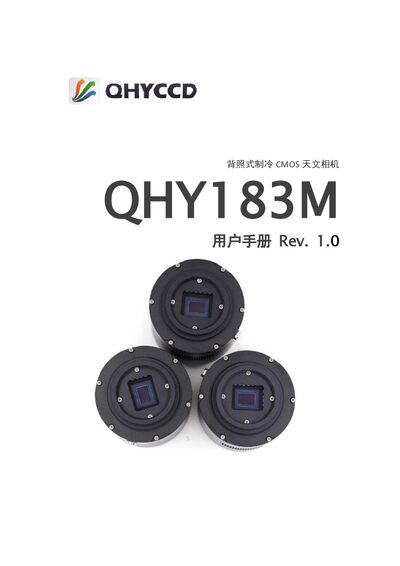
The manual begins with a list of items included in the package, such as the USB 3.0 cable, power adapters, guide‑port cable, and optional accessories. It then guides users through installing the ASCOM platform, system drivers, and recommended imaging software (SharpCap, EZCAP_QT, FireCapture, etc.), including steps for driver updates via the QHYCCD UpdateCheck tool.
Further sections cover camera operation in various software, temperature control settings, white‑balance adjustment, guide‑port configuration, and detailed specifications. Mechanical dimensions, back‑focus distance, and version history are also provided for reference during setup and maintenance. This manual is written in Chinese.
| Sensor | SONY IMX183 (back‑illuminated) |
|---|---|
| Effective Area | 13.3 mm × 8.9 mm |
| Pixel Array | 5544 × 3694 (20 MP) |
| Pixel Size | 2.4 µm × 2.4 µm |
| Readout Noise | Low 1 e⁻ @ high gain, 2.7 e⁻ @ gain 0 |
| Temperature Control | Two‑stage cooler, can be >40 °C below ambient |
| Data Interface | USB 3.0 high‑speed |
| Internal Storage | 128 MB DDR |
| Power Interface | 12 V DC power input |
| Guide Port | 6‑pin RJ11 |
| Color Filter Wheel Interface | 4‑pin connector |
| Weight | ≈ 450 g (with M42/0.75 adapter) |
Typically you can set the gain to 1 and the offset to 10 to start the camera.
Install the QHYCCD UpdateCheck tool; with the camera connected, the program will detect if newer drivers are available and download them automatically.
QHYCCD provides a mirrored SharpCap installer with the required qhyccd.dll; download it from the link supplied in the manual.