
This manual explains how to download, install the driver for the QHY5L-II camera, and configure it within SharpCap, EZPlanetary, and phd2 software.
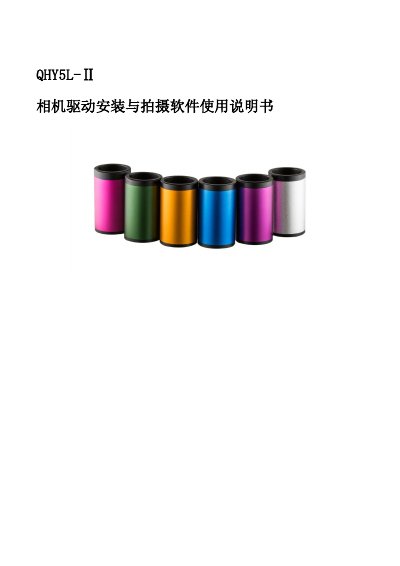
The document provides instructions on downloading and installing the necessary drivers and application software for the QHY5L-II camera from the official website. It details the steps to verify successful installation via the Device Manager after connecting the camera via USB.
Additionally, the guide covers how to locate and configure the camera within three specific shooting applications: SharpCap, EZPlanetary, and phd2. It includes step-by-step procedures for selecting the correct driver and accessing real-time imaging in each program. This manual is written in Chinese.
Connect the camera to your computer via USB and check the Device Manager for an entry named QHY5II.
You must download and install all drivers and applications, then connect the QHY5L camera to your computer using a USB data cable.
After configuring the camera, click the continuous exposure button to display the live image from the camera.