
This manual explains how to download and install the driver for the QHY5R-II camera and how to configure it in SharpCap, EZPlanetary, and phd2 software.
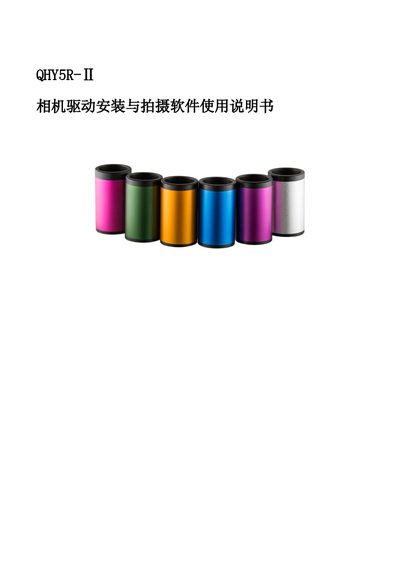
This document provides instructions for downloading and installing the driver and shooting software for the QHY5R-II camera from the QHYCCD official website. It details the steps to verify successful installation via the Device Manager. This manual is written in Chinese.
You must see QHY5II listed in the Device Manager on your computer.
You need to connect the QHY5R camera to the computer using a USB data cable.
Click the Help menu and select View Help to open the official SharpCap manual.