
User manual for the PROLINE TCF10 coffee maker, covering safety, clock and automatic brewing settings, preparation, cleaning and descaling.
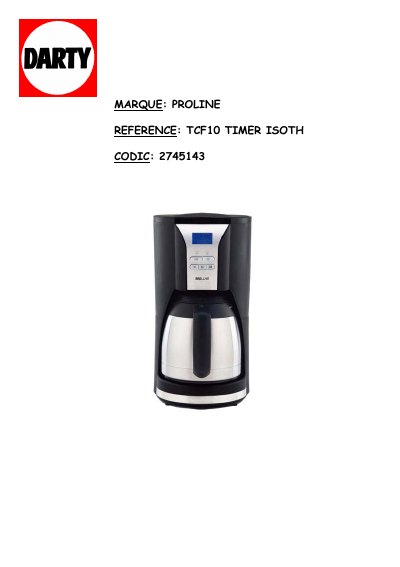
This manual is for the PROLINE TCF10 coffee maker. It explains safety precautions, controls and functions, clock setting, manual and automatic coffee preparation, the aroma function, cleaning, descaling and disposal instructions.
The coffee maker uses a cone paper filter, number 4, and has an LCD screen with a blue backlight that can be set to stay on. The manual also describes first-use preparation and the cleaning warning icon that indicates descaling is needed. This manual is written in French.
| Filter type | Cone paper filter, number 4 |
|---|
Press and hold PROG/AUTO until the PROG/AUTO indicator flashes, press PROG/AUTO twice to enter clock setting mode, then use HEURES and MIN to set the time and press PROG/AUTO to confirm.
Fill the coffee maker with vinegar without using ground coffee, then run at least two preparation cycles with cold water only to remove vinegar traces and odor.
Press and hold the HEURES and MINUTES keys together for five seconds; press them again to disable Always on mode.