
Installation guide for the PowerWalker SNMP Card 2 Power Management Card covering setup, IP configuration, web login, and troubleshooting.
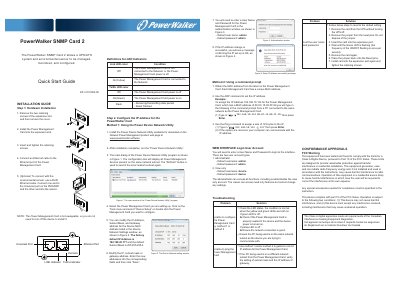
The PowerWalker SNMP Card 2 is a Power Management Card that installs in an expansion slot and connects to a network through an Ethernet port. The guide covers hardware installation, optional environmental sensor connection, IP address setup using the Power Device Network Utility or a command prompt, and web interface login.
It lists default administrator and view-only account credentials, LED indicator meanings, and troubleshooting steps for configuration and ping failures, including resetting the card to default settings. FCC and Canadian Class A conformance statements are also included.
| Default IP Address | 192.168.20.177 |
|---|---|
| Default Subnet Mask | 255.255.255.0 |
| Default Administrator Login | admin / admin |
| Default View-only Login | device / device |
| Hot-swappable | Yes |
| Environmental Sensor Connection | RJ45 Ethernet cable |
The factory default IP address is 192.168.20.177. The default subnet mask is 255.255.255.0.
The default administrator user name and password are both admin.
The view-only account uses device for both user name and password.
Remove the jumper from the reset pins, then follow the guide’s steps to reinsert the card until the green LED flashes once per second, replace the jumper, and reinstall the card.