
Key facts
- Manuals
- 1
- Languages
- EN
- Last added
- 2026-11-02
Featured Power Walker manuals
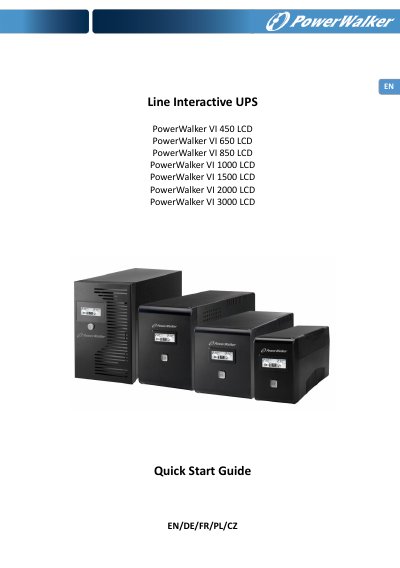
PowerWalker VI 450/650/850/1000/1500/2000/3000 LCD Quick Start Guide
This guide provides step-by-step instructions for installing and operating PowerWalker VI series UPS units. It includes safety precautions, setup procedures, and software installation for monitoring the UPS via PC. The guide covers models from 450VA to 3000VA with specifications for battery backup, input/output, and environmental conditions.
The unit protects connected devices from power interference and includes features like surge protection, USB connectivity, and LCD monitoring. Users are instructed to charge the battery before first use and avoid connecting high-inrush devices like printers or scanners.
Covers: Important Safety Instructions · Product Overview · Installation and Initial Startup · Software Installation · Specifications · Audible Alarm Indicators
Latest Power Walker manuals
PowerWalker VI 450/650/850/1000/1500/2000/3000 LCD Quick Start Guide
Quick Start Guide 40 pages · 991 KB · ENQuick start guide for PowerWalker VI series UPS units covering safety, installation, startup, and software setup.
Which document do I need?
Quick Start Guide
The shortest path to a working setup, usually only a few pages.
Questions answered in Power Walker manuals
What is the estimated backup time for the 450VA model?
The estimated backup time for the 450VA model at 120W load is 5 minutes.
From: PowerWalker VI 450/650/850/1000/1500/2000/3000 LCD Quick Start Guide
What is the maximum ambient temperature rating for the UPS?
The maximum ambient temperature rating is 40 °C.
From: PowerWalker VI 450/650/850/1000/1500/2000/3000 LCD Quick Start Guide