
Quick start guide for PowerWalker VI series UPS units covering safety, installation, startup, and software setup.
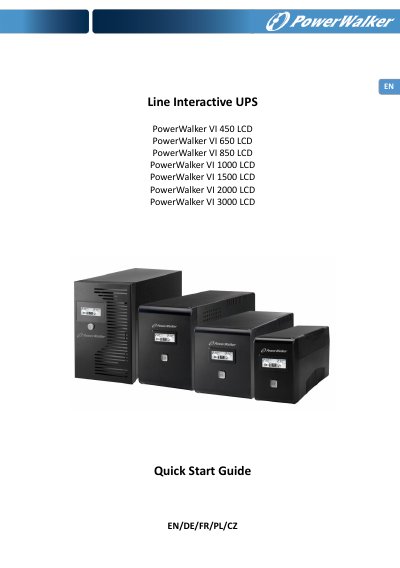
This guide provides step-by-step instructions for installing and operating PowerWalker VI series UPS units. It includes safety precautions, setup procedures, and software installation for monitoring the UPS via PC. The guide covers models from 450VA to 3000VA with specifications for battery backup, input/output, and environmental conditions.
The unit protects connected devices from power interference and includes features like surge protection, USB connectivity, and LCD monitoring. Users are instructed to charge the battery before first use and avoid connecting high-inrush devices like printers or scanners.
| Input Voltage | 220~240 VAC |
|---|---|
| Output Voltage Regulation | +/-10% |
| Transfer Time | Typical 2-6 ms, 10 ms max. |
| Battery Type & Number | 12V / 4.5Ah x 1 |
| Charging Time | 4-6 hours to 90% capacity |
| Backup Time (est. 120W) | 5 min |
| Physical Dimension (DxWxH) | 287mm x 100 mm x 142mm |
| Noise Level | Less than 40 dB |
The estimated backup time for the 450VA model at 120W load is 5 minutes.
The maximum ambient temperature rating is 40 °C.
The battery requires 4 hours to be 90% charged.
The sum of the leakage currents must not exceed 3.5mA.