
Instructions for installing and using the Arduino library for Pololu QTR reflectance sensors, including sensor types and example sketches.
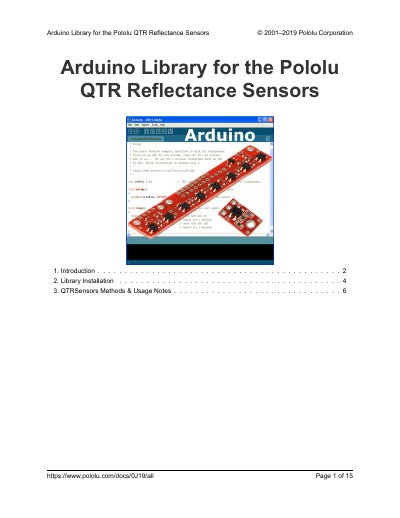
This manual explains how to install and use the Arduino library for Pololu QTR reflectance sensors. It covers sensor types such as QTR-xA and QTR-xRC, library installation via the Arduino IDE or manual download, and example sketches for both sensor types. The library provides a common interface for both sensor types, with methods for reading sensor values, calibration, and line-tracking.
The manual also includes details on sensor schematics, pin configurations, and timing considerations for reading sensor values. It is designed for users working with Arduino-based projects involving line-following or edge detection applications using Pololu QTR sensors.
QTR-xA sensors output an analog voltage between 0 and Vcc, measured by an ADC. QTR-xRC sensors require a digital I/O line to measure the time for the output voltage to decay, providing an analog measurement of reflectance.
Use the read() method with an array to store the sensor values. The method takes a readMode argument to specify whether to read with emitters on, off, or both. For QTR-xRC sensors, the reading time can be up to 3 ms.