
This guide covers the setup and usage of the Pololu USB AVR Programmer (Item #1300) for programming Atmel microcontrollers on Windows, Linux, and Mac OS X.
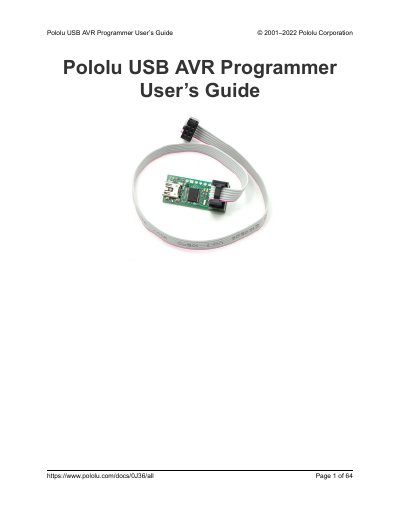
The document provides instructions for using the Pololu USB AVR Programmer, a device designed to program Atmel's AVR microcontrollers. It details module pinouts, supported hardware and operating systems, and installation procedures for various platforms including Windows, Linux, and Mac OS X.
Key features described include the use of an STK500 emulator on a virtual serial port, a TTL-level serial port for general communication, and a SLO-scope for monitoring signals. The guide also covers troubleshooting steps, firmware upgrades, and specific configurations for different programming software environments.
| Product Item Number | #1300 |
|---|---|
| Power Source | 5V USB power bus |
| Max VBUS Current | 100 mA |
No, this guide only applies to the original version (Item #1300), not the newer v2.x programmers.
No, the VDD line cannot be used to power the target device; it must be independently powered.
The programmer supports Windows Vista, 7, 8, 10, Linux, and Mac OS X.