
The Pololu Serial Transmitter is a Windows utility for sending byte sequences to a selectable COM port and viewing received serial data.
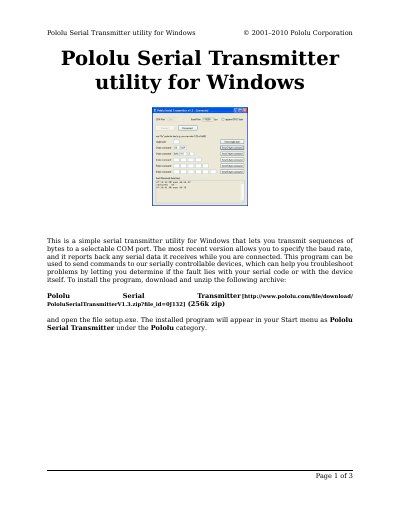
The Pololu Serial Transmitter is a simple serial transmitter utility for Windows that lets users transmit sequences of bytes to a selectable COM port. The most recent version allows users to specify the baud rate and reports back any serial data received while connected. To install the program, download and unzip the archive and open setup.exe.
Users can send a single byte at a time or entire packets up to six bytes in length. Byte values are interpreted as decimal integers unless preceded by 0x, in which case they are hexadecimal. The log at the bottom keeps a record of packets sent and received, displaying sent bytes as two-digit hex numbers and received bytes with their ASCII characters.
| Maximum packet length | six bytes |
|---|---|
| COM port | selectable |
| Baud rate | user-specified |
| Received data reporting | reports serial data while connected |
Download and unzip the archive, then open setup.exe. The installed program appears in the Start menu under the Pololu category.
Values are interpreted as decimal integers unless preceded by 0x, in which case they are hexadecimal integers.
The log shows each sent byte as a two-digit hex number and each received byte as a two-digit hex number followed by its ASCII character.