
The PLUS N-20S/N-20W/N-204 electronic whiteboard user manual provides setup, operation, network, printing and troubleshooting instructions.
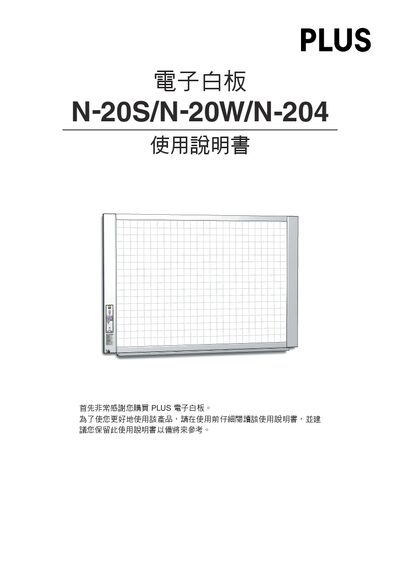
This manual covers the three PLUS electronic whiteboard models – standard (N-20S), wide (N-20W) and four‑panel (N-204). It explains the components, packaging, and how to install the unit on a stand or wall mount.
Key sections include hardware connections, operation panel functions, USB memory storage, network configuration, printing options, safety guidelines, error‑message explanations and full product specifications. This manual is written in Chinese.
| Writing surface size (standard model) | 1300 mm × 910 mm |
|---|---|
| Effective reading area (standard model) | 1280 mm × 900 mm |
| Resolution | 1.92 dots/mm (≈50 dpi) |
| Power input | AC 100–240 V / 50–60 Hz, max 0.75 A |
| Weight (standard model) | 20 kg |
Connect an Ethernet cable to the LAN (RJ‑45) port on the bottom of the whiteboard and configure the IP address using the simple network setup (via USB) or the detailed LAN setup.
The stand height can be set in three levels, each differing by 100 mm.