
This document is the instruction manual for plus digital projector U2-1130/U2-1110. It mainly introduces the product features, including small size and light weight, high brightness, clear and vivid images, and high-quality information sources
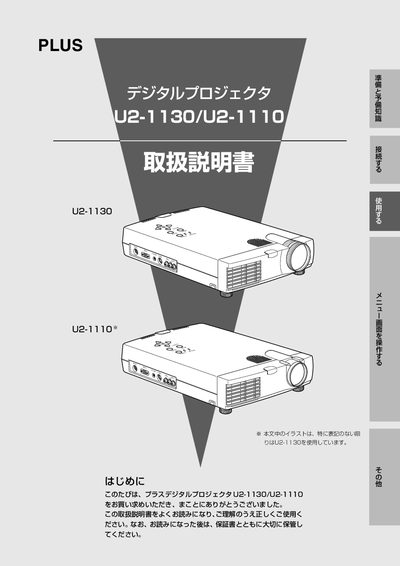
This manual introduces the PLUS U2-1130 and U2-1110 digital projectors, highlighting their high‑brightness DMD optics, lightweight design, and full XGA support. It explains the included accessories, installation steps, and how to connect the projector to PCs and video sources.
Detailed sections cover safe handling, menu navigation, keystone adjustment, lamp replacement, routine cleaning, and after‑service procedures. Safety warnings emphasize stable placement, keeping the unit away from water, and avoiding unauthorized repairs. This manual is written in Japanese.
| Weight | 2.6 kg (U2-1130), 2.5 kg (U2-1110) |
|---|---|
| Brightness | 1300 ANSI lumens (U2-1130), 1100 ANSI lumens (U2-1110) |
| Resolution | XGA native, SXGA compressed display |
Turn off the projector, wait for the cooling fan to stop, unplug the power cord, and follow the lamp‑cartridge replacement procedure described on page 49.