
Key facts
- Manuals
- 12
- Models
- 1
- Languages
- ZH · JA
- Last added
- 2026-09-29
PLUS models by category
Featured PLUS manuals
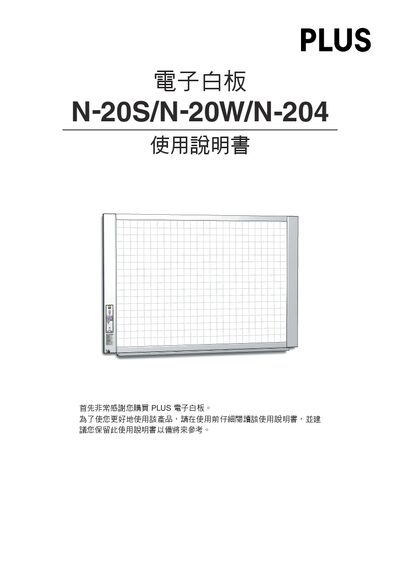
PLUS N-20S/N-20W/N-204 Electronic Whiteboard User Manual
This manual covers the three PLUS electronic whiteboard models – standard (N-20S), wide (N-20W) and four‑panel (N-204). It explains the components, packaging, and how to install the unit on a stand or wall mount.
Key sections include hardware connections, operation panel functions, USB memory storage, network configuration, printing options, safety guidelines, error‑message explanations and full product specifications. This manual is written in Chinese.
Covers: Package Contents · Component Names · Operation Panel · Network Setup · USB Memory Storage · Printing Functions
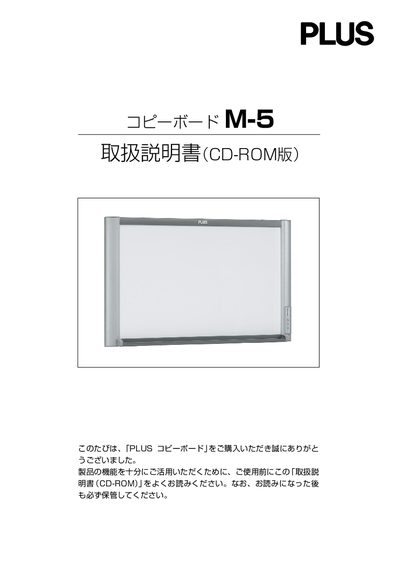
PLUS M-5 Copy Board CD-ROM Manual
This manual explains how to safely install and assemble the PLUS IMI-5 copy board, including wall‑mounting, stand setup, and required accessories. It also covers power connection, USB and DC input terminals, and CF memory card handling.
The guide details operating procedures, software installation, sheet cleaning, and after‑sales service information such as warranty repair and part availability. Safety warnings and proper handling of the device are emphasized throughout. This manual is written in Japanese.
Covers: Safety Precautions · Installation and Assembly · Operation and Controls · CF Memory Card Handling · Software Guide · After‑sales Service
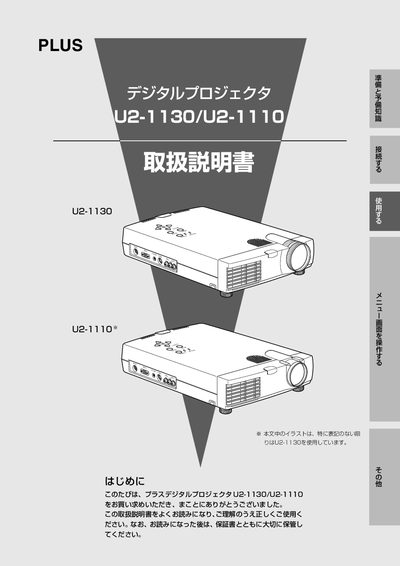
PLUS U2-1130/U2-1110 Digital Projector Operating Instructions
This manual introduces the PLUS U2-1130 and U2-1110 digital projectors, highlighting their high‑brightness DMD optics, lightweight design, and full XGA support. It explains the included accessories, installation steps, and how to connect the projector to PCs and video sources.
Detailed sections cover safe handling, menu navigation, keystone adjustment, lamp replacement, routine cleaning, and after‑service procedures. Safety warnings emphasize stable placement, keeping the unit away from water, and avoiding unauthorized repairs. This manual is written in Japanese.
Covers: Introduction · Safety Precautions · Checking Accessories · Installation · Connections · Menu Operation
PLUS Captureboard C-11 User Manual
This manual begins with important safety information and detailed installation guidance, including mounting, power‑adapter connection, and securing the device to a wall. It also explains how to connect the optional printer and the required USB cable.
The later sections cover basic and advanced operation such as printing, adjusting print density, using the USB memory for saving captured images, cleaning the board, and troubleshooting common issues like printing failures. This manual is written in Chinese.
Covers: Important Safety Information · Installation and Mounting · Captureboard and AC Power Adapter Connection · Printer Connection and Printing Operations · USB Memory Usage · Cleaning the Captureboard
Latest PLUS manuals
PLUS N-20S/N-20W/N-204 Electronic Whiteboard User Manual
User Manual 54 pages · 10.6 MB · ZHThe PLUS N-20S/N-20W/N-204 electronic whiteboard user manual provides setup, operation, network, printing and troubleshooting instructions.
plus opto LED Displays Numeric 7 segment
This document provides the specifications of LED displays, including size, emitted material, current, voltage, wavelength, etc.
PLUS M-5 Copy Board CD-ROM Manual
User Manual 48 pages · 3 MB · JAThe PLUS IMI-5 Copy Board CD-ROM Manual provides safety instructions, setup, operation, and maintenance guidance for the IMI-5 copy board.
PLUS BF-041S/041W Manual
PLUS U2-1130/U2-1110 Digital Projector Operating Instructions
User Manual 56 pages · 1.9 MB · JAThe PLUS U2-1130/U2-1110 digital projector operating instructions provide setup, safety, usage, and maintenance guidance.
PLUS U7-137 U7-132/U7-132h Description of Transaction Volume
PLUS U2-1200/U2-817 Operating Instructions
PLUS U5-232/U5-132 U5-112/U5-111 Operating Instructions
PLUS U5-632 U5-532/U5-512 Operating Instructions
PLUS Captureboard C-11 User Manual
User Manual 32 pages · 5.8 MB · ZHThe PLUS Captureboard C-11 User Manual provides safety instructions, installation steps, operation guidance, and troubleshooting for the electronic whiteboard.
PLUS whiteboard Zhuo Hui C-11 Captureboard Manual
PLUS U4-232/U4-232h Digital Projector User Manual
User Manual 73 pages · 3.5 MB · JAThe PLUS U4-232/U4-232h digital projector user manual provides setup, operation, safety instructions, and specifications for this lightweight…
Which document do I need?
User Manual
Day-to-day operation, settings and troubleshooting. Start here if the product is already set up.
Questions answered in PLUS manuals
How do I connect the whiteboard to a network?
Connect an Ethernet cable to the LAN (RJ‑45) port on the bottom of the whiteboard and configure the IP address using the simple network setup (via USB) or the detailed LAN setup.
From: PLUS N-20S/N-20W/N-204 Electronic Whiteboard User Manual
How do I adjust the height of the whiteboard when it is mounted on a stand?
The stand height can be set in three levels, each differing by 100 mm.
From: PLUS N-20S/N-20W/N-204 Electronic Whiteboard User Manual
What safety warnings should be observed when using the copy board?
Do not allow water to contact the unit, keep liquids away, and avoid opening the case; improper handling can cause fire or electric shock.
Is wall‑mounting the copy board allowed?
Wall‑mounting requires proper construction work and sufficient wall strength; consult the dealer for installation.
How should the lamp be replaced?
Turn off the projector, wait for the cooling fan to stop, unplug the power cord, and follow the lamp‑cartridge replacement procedure described on page 49.
From: PLUS U2-1130/U2-1110 Digital Projector Operating Instructions