
User manual for the Philips DC200 clock radio covering controls, clock and alarm settings, FM tuner, iPod dock, USB playback, AUX input, and troubleshooting.
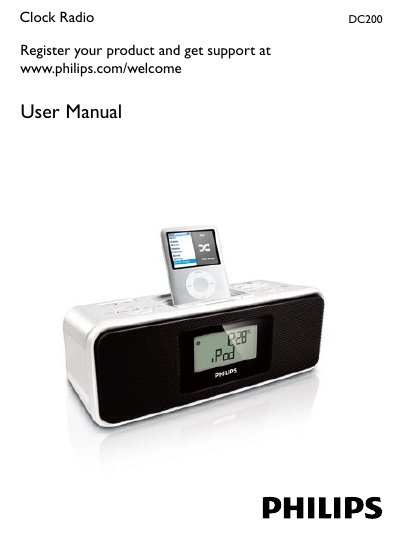
The Philips DC200 is a clock radio supplied with a 9V AC/DC adaptor, four dock adaptors, and an AUX-IN cable. The manual explains the controls and basic operation, including power, source selection, display brightness, and setting the clock.
It also covers FM radio tuning and presets, alarm settings and repeat alarm, docking compatible Apple iPod models, USB mass storage playback, sleep, and connecting an external audio device. Maintenance, troubleshooting, and product specifications are included.
| Power consumption (active) | ≤ 15 W |
|---|---|
| Power consumption (standby) | ≤ 1 W |
| Dimensions | 216 mm x 80 mm x 80 mm |
| Weight | 0,96 kg |
In standby mode, press and hold PROG/SET TIME until the clock digits flash. Adjust the hours and minutes with the TUNING buttons and confirm each step with PROG/SET TIME.
You can store up to 20 FM radio stations in the memory.
During an alarm call, press REPEAT ALARM / BRIGHTNESS CONTROL; the alarm repeats at 9-minute intervals, up to a maximum of six times.