
This manual provides operating instructions for Philips 55PFL8300, 46PFL8300, and 42PFL8300 LED-backlit televisions, covering setup, features, and…
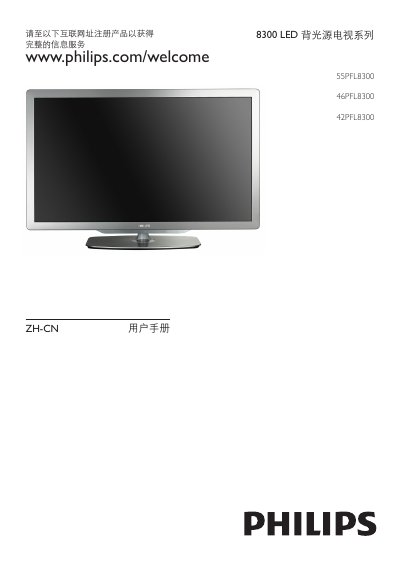
This user manual covers the Philips 55PFL8300, 46PFL8300, and 42PFL8300 LED-backlit television series. It provides comprehensive instructions on basic operations such as turning the TV on and off, changing channels, and adjusting volume. The guide also details how to use the remote control, access the main menu, and customize settings for picture and sound. This manual is written in Chinese.
| Product Series | 8300 LED Backlight TV Series |
|---|---|
| Supported Models | 55PFL8300, 46PFL8300, 42PFL8300 |
| Copyright Holder | Koninklijke Philips Electronics N.V. |
You should visit the website www.philips.com/welcome to register your product.
You must leave at least 4 inches or 10 centimeters of space around the TV for ventilation.
Repairs must be done by Philips Service Centers and authorized repair shops; user modifications void the warranty.