
This user guide covers system setup, formatting, troubleshooting, and technical support for the OWC Mercury Elite Pro external hard drive enclosure.
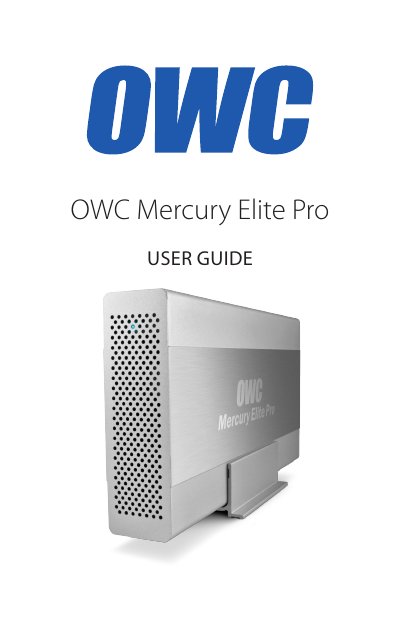
The OWC Mercury Elite Pro is an external hard drive enclosure designed for both Mac and PC systems. It features a blue LED indicator and supports USB 3.0 and FireWire 800 interfaces, allowing for high-speed data transfer and large volume support for drives exceeding 2TB. The unit includes a vertical stand and a Kensington Security Slot for physical security.
| Interface | USB 3.0, FireWire 800 |
|---|---|
| LED Indicator | Blue LED |
| Large Volume Support | Supports drives larger than 2TB |
| Power | External power supply required |
The unit requires a PowerPC G3 CPU, 128MB RAM, and Mac OS 9.2.2 or later for FireWire, or OS X 10.3 or later for USB 3.0.
The unit requires a 500MHz Intel Pentium 3 CPU, 128MB RAM, and Windows XP SP2 or later for both FireWire and USB 3.0.
No, pre-2008 Macs cannot boot to the Mercury Elite Pro over FireWire even with large volume support enabled, though they can boot over USB.
You must eject or unmount the drive from your operating system before powering off the unit to ensure no data is lost.