
The OWC Mercury Elite Pro Quad is a four-bay external hard drive that supports Mac and PC
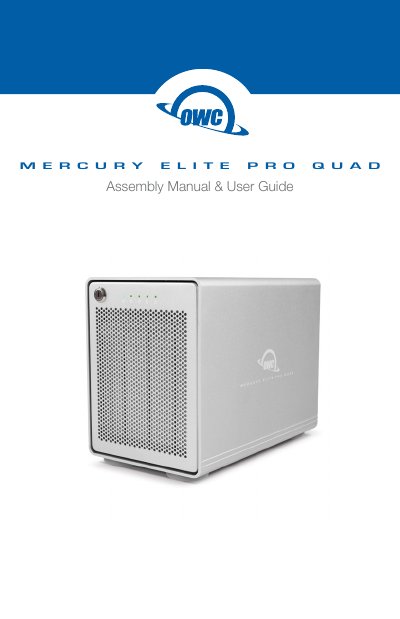
This manual provides instructions for installing and using the OWC Mercury Elite Pro Quad, a drive enclosure supporting up to four SATA drives. It covers system requirements, drive installation steps, device setup, and troubleshooting. The manual also includes safety precautions, warranty information, and contact details for technical support.
The enclosure supports USB 3.1 Gen 1 and Gen 2 cables, has LED indicators for status, and includes a Kensington security slot. It does not have built-in RAID capabilities, but drives can operate independently. Users are advised to backup data and follow safety guidelines to prevent damage or data loss.
| Supported Hard Drives | Up to four 3.5 inch or 2.5 inch SATA drives (1.5Gb/s, 3.0Gb/s, or 6.0Gb/s) |
|---|---|
| Recommended Speed | 6.0Gb/s |
| USB Ports | USB 3.1 Gen 2 port (Type-C to Type-C) |
| Power Port | Power cable |
Yes, using the fine-threaded screws and the four screw holes on the bottom of each drive tray.
No, it does not have any built-in RAID capabilities.