
Quick start guide for the AQ7280 OTDR: keyboard operation, system settings, OTDR configuration modes, analysis settings, measurements and fiber inspection.
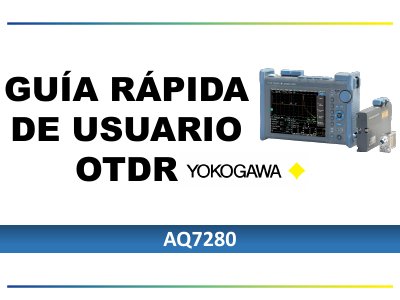
This Spanish-language quick start guide introduces the operation of the AQ7280 OTDR. It begins with the operating keypad, including dedicated keys, the rotary knob and arrow keys, and explains that the touchscreen can be locked for users who prefer the keypad or need to work with gloves or dirty hands.
The guide then walks through the system settings screen (factory reset, language selection, touchscreen option and shortcuts), the OTDR menu and configuration, the Simple, Detail and PON measurement modes, analysis settings for splice loss, fiber end and splitter loss, and how to start averaged or real-time measurements. Later pages cover saving traces, the SMART MAPPER menu, the light source menu and the optical inspection probe connected through the USB port. This manual is written in Spanish.
| Splitter capacity in PON mode | Up to 2 splitters of 1x32 |
|---|---|
| Recommended inspection probe | Lightel Model: DI-1000 |
| Probe connection | USB port on the AQ7280 |
The guide describes Simple mode, Detail mode and PON mode. Simple mode makes the trace with an automatic configuration and parameters cannot be changed.
PON mode is used to read splitters, up to 2 splitters of 1x32.
The guide recommends the Lightel Model DI-1000 probe, connected to the AQ7280 through the USB port.