
This document describes the quick programming guide for ELION, S.A. DF-G1 series fiber optic amplifiers.
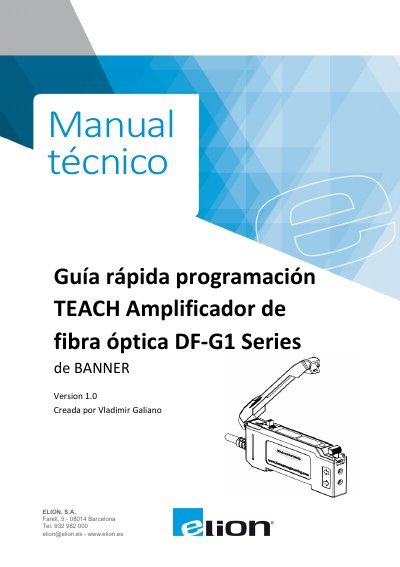
This Spanish technical manual, created by Elion, S.A., is a quick TEACH programming guide for the Banner DF-G1 Series fiber optic amplifier. It covers sensor mounting, PNP or NPN output variants depending on the model, and the controls and displays, including the output signal, LO/DO selector, RUN/PRG/ADJ mode selector, red measurement display, green threshold display and +/SET/- button.
The guide then gives step-by-step programming procedures for Double TEACH, Dynamic TEACH, Window SET, Light SET, Dark SET and Calibration SET. The procedures describe using PRG and ADJ modes, confirming measured values with SET, checking acceptance or error messages, and returning the selector to RUN. This manual is written in Spanish.
| Output type | PNP or NPN depending on model |
|---|---|
| Measurement display | Red display |
| Threshold display | Green display |
| Mode selector | RUN, PRG and ADJ |
| Output selector | LO (Light Output) or DO (Dark Output) |
| Fiber optic retention and insertion tab | Fiber optic retention and insertion tab |
Double TEACH sets a midpoint between switching from darkest to brightest conditions, and the ON/OFF output condition can be changed with the LO/DO switch.
Dynamic TEACH is suitable when a machine or process cannot be stopped for teaching; the sensor learns during detection and adjusts automatically to an optimal level.
It uses one detection condition and places thresholds at a programmable offset above and below it; in LO mode output is ON inside the window and OFF outside.
An error message appears because the value does not meet the minimum percentage difference.